Choose a Shopify theme based on what your store needs customers to do and what your team needs to edit. A strong existing theme with a few custom sections is often enough. A custom theme makes sense when your product pages, catalogue or brand layout need a different structure across the store.
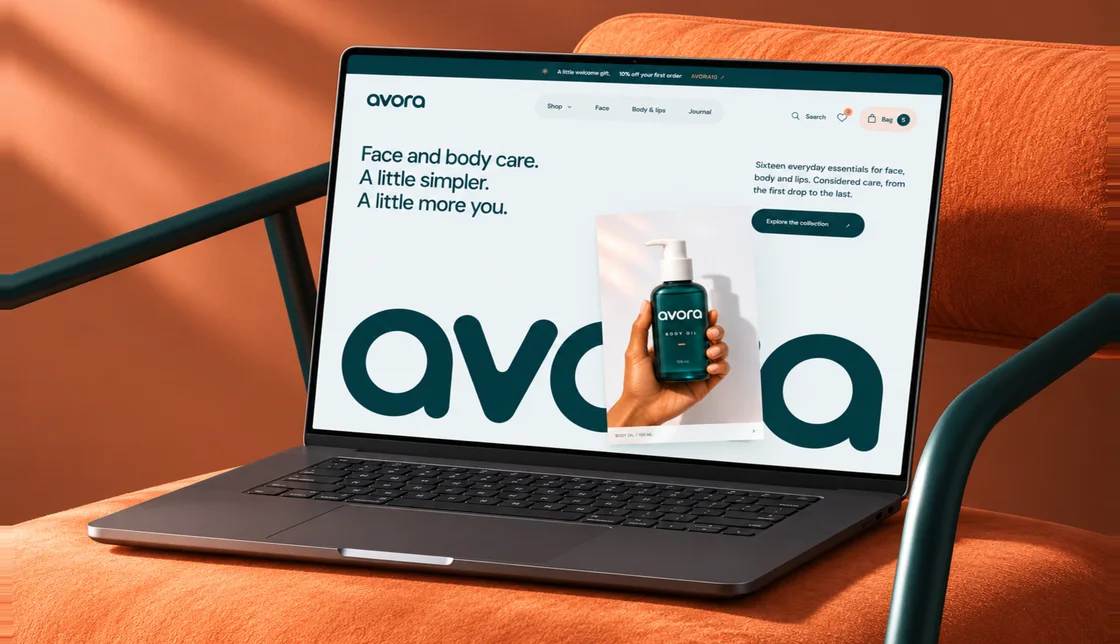
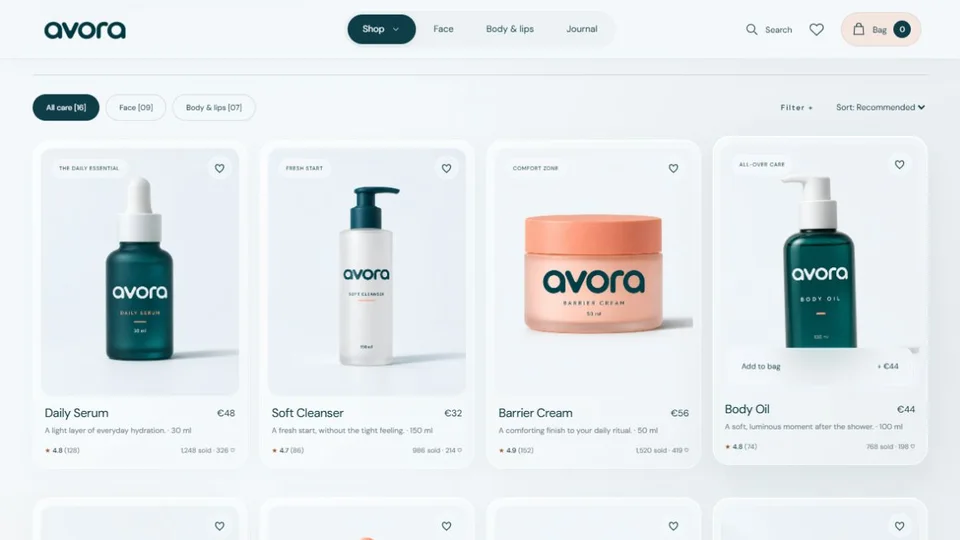
The storefront image is from my Avora project in Next.js. Its product cards and filters are examples of what you can describe in a Shopify design brief.
When to customize an existing Shopify theme
Start here when its product and collection pages already cover your catalog and shopping flow. A developer can restyle the theme, adjust layouts and add reusable Liquid sections. A clothing brand might need a fit guide next to the size selector, while a skincare brand might need an ingredient panel on selected products. Build the section once and let your team control the content in Shopify’s theme editor.
When a custom Shopify theme makes sense
Consider a custom theme if several page types need to work differently. A collection might combine shoppable product cards with editorial content, and different product lines might need their own templates. List those differences before choosing a build. Decide which sections merchants can move, what content belongs to each product, and what designers need to keep consistent across the catalogue.
What affects the development quote?
- Templates and sections. Count distinct layouts. Forty products may share one template, while four product lines may need several.
- Content readiness. List the product photos, copy, size guides and translations that already exist and who owns the rest.
- Apps and integrations. Identify the reviews, subscriptions, bundles or shipping apps the new theme must support.
- Migration and testing. List pages and URLs to preserve, the devices and flows to test, and who signs off before you publish.
Review the new theme before publishing
Review the design in a theme preview. On a phone, open a collection, choose a product variant, add it to the cart and check the experience with a discount. Run a test order using your payment and shipping setup. Have someone from your team change a homepage section and product detail so you know the handoff works. If URLs change, check redirects from important product and collection pages before launch.
What to send a Shopify developer
Share your current store link or catalogue, the pages you need, any required apps, and a launch window. Call out one or two things shoppers struggle with today. For a quote, send your Shopify project brief.

About the author. Kenil Vaghasiya is a freelance full stack web developer, Framer developer and designer with 5+ years of experience building web applications with React, Next.js, Node.js, .NET and Azure. He works remotely from Surat, India. More about me · Services